

All Categories
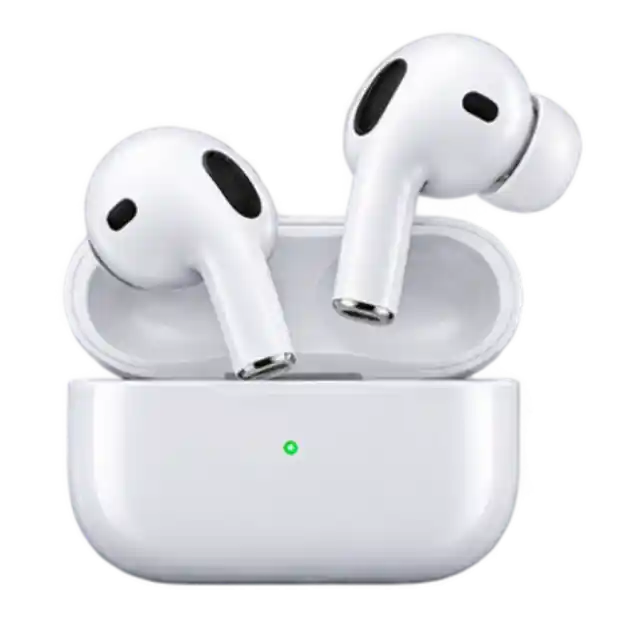 Earbuds
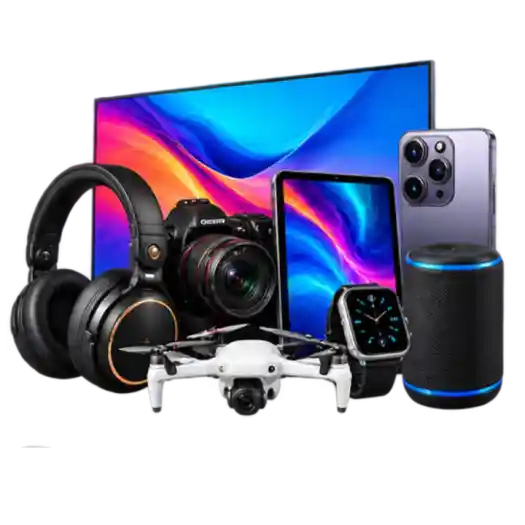 Electronics
 Furniture
 Garments
 Grocery
 Health & Beauty
 Home & Living
 jewellery
 Kids Furniture
 Laptop
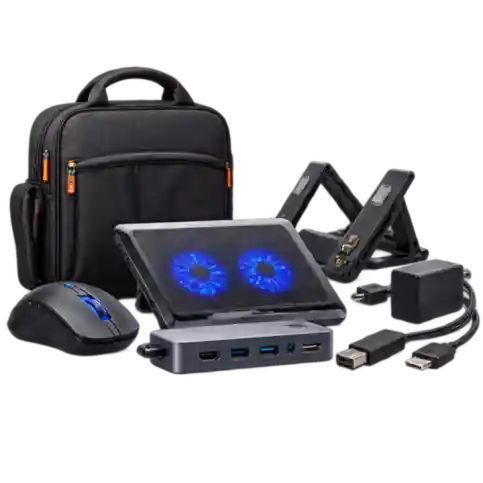 Laptop Accessories
 Men Footwear
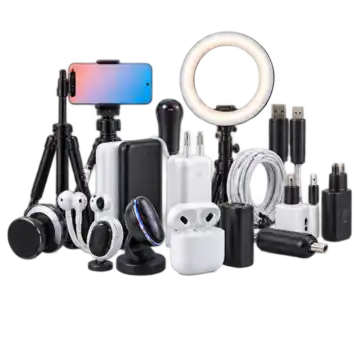 Mobile Accessories
 Mobile Phones
 Perfumes
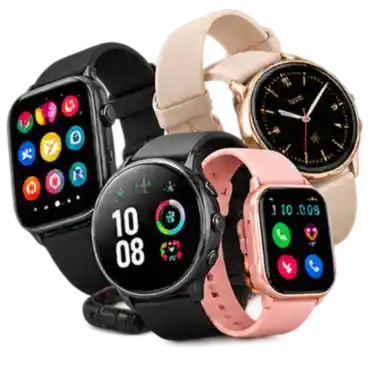 Smart watch
 Stationery
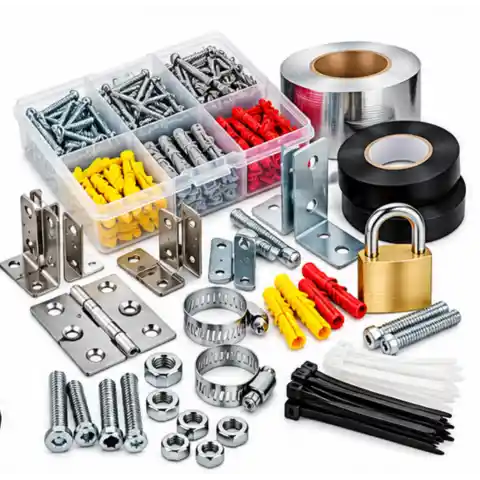
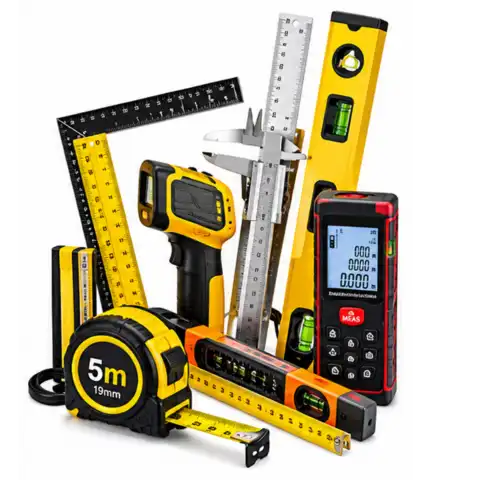
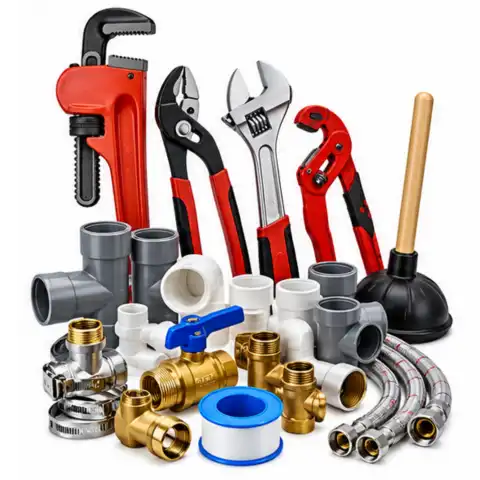
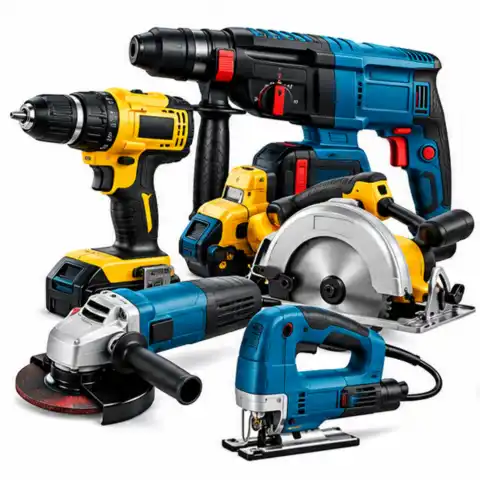
 Tools & Hardware
 Toys
Toys
 Traditional Watches
 Women Footwear
 Women's Bag's
 Women's Stitched
Earbuds
Electronics
Furniture
Garments
Grocery
Health & Beauty
Home & Living
jewellery
Kids Furniture
Laptop
Laptop Accessories
Men Footwear
Mobile Accessories
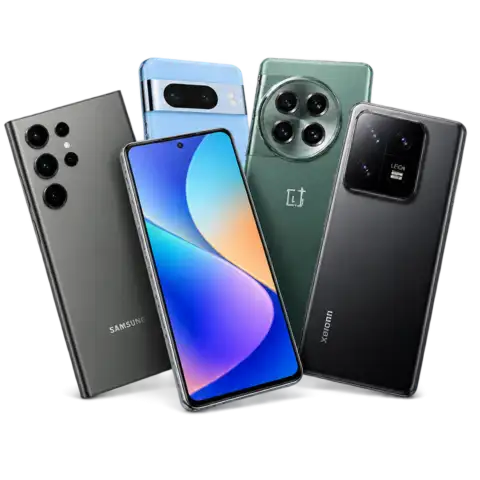
Mobile Phones
Perfumes
Smart watch
Stationery
Tools & Hardware
Toys
Traditional Watches
Women Footwear
Women's Bag's
Women's Stitched
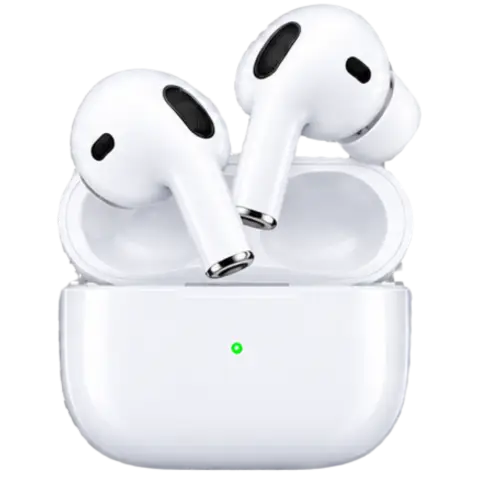
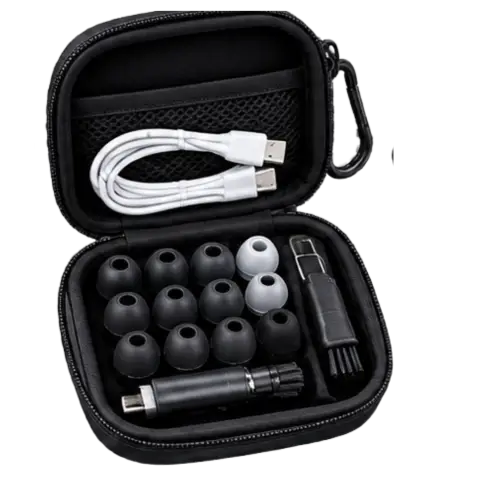
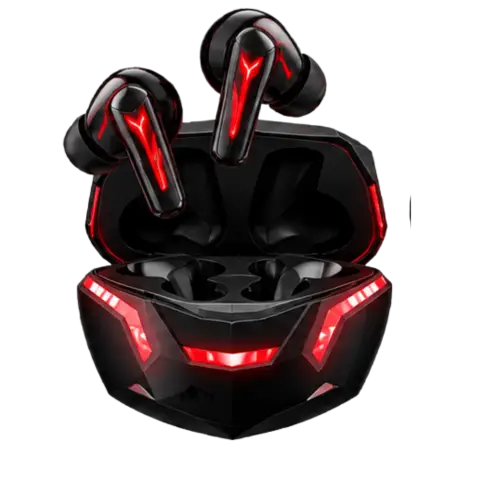
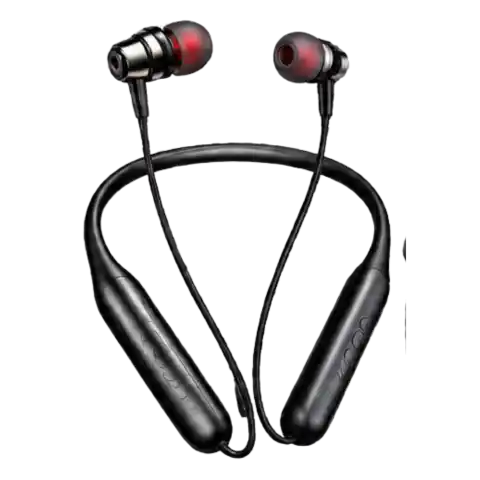
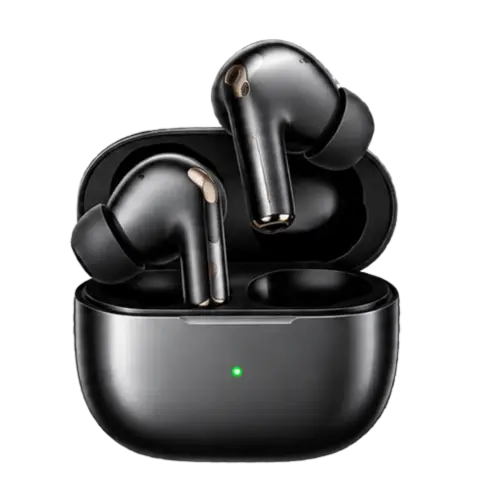
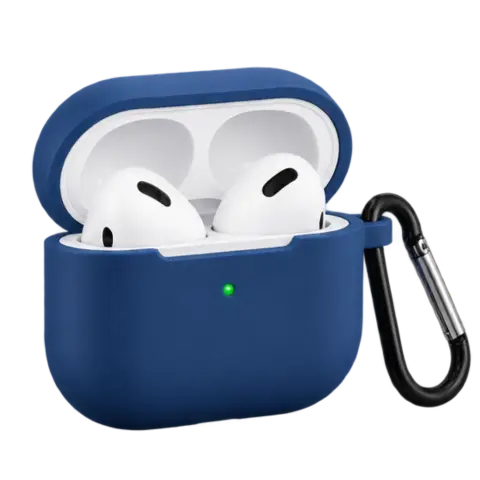
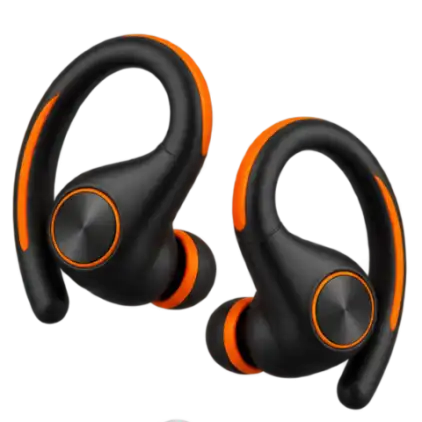
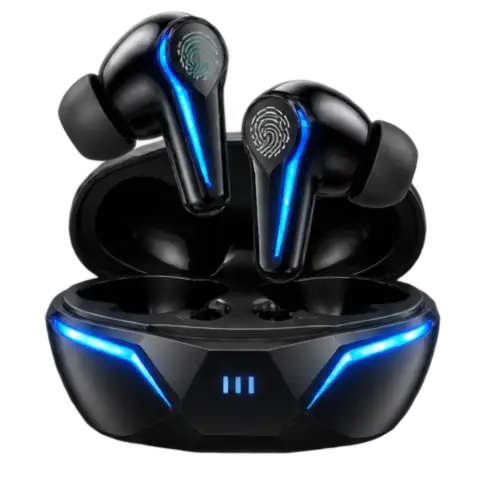
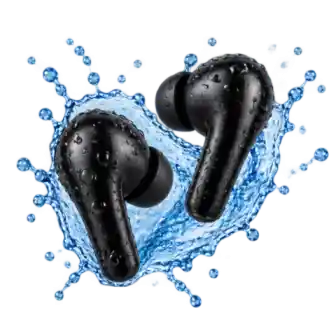
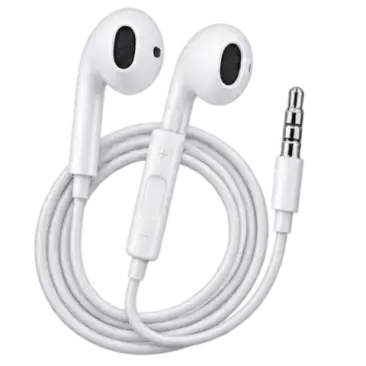
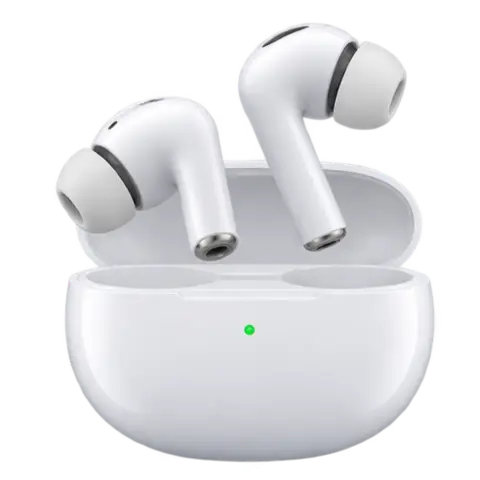
View all Electronics
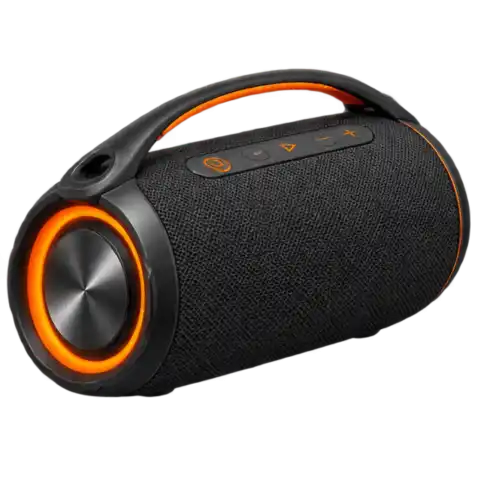 Bluetooth Speakers
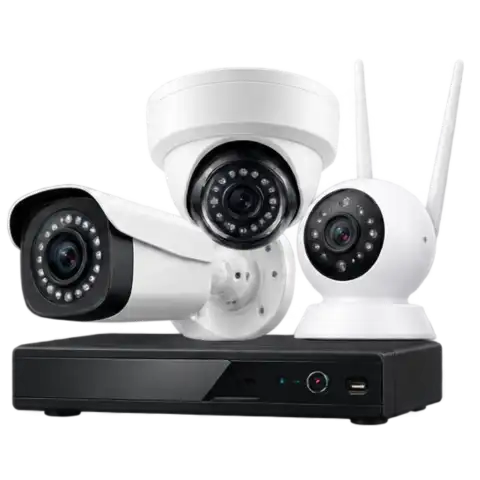 CCTV Cameras
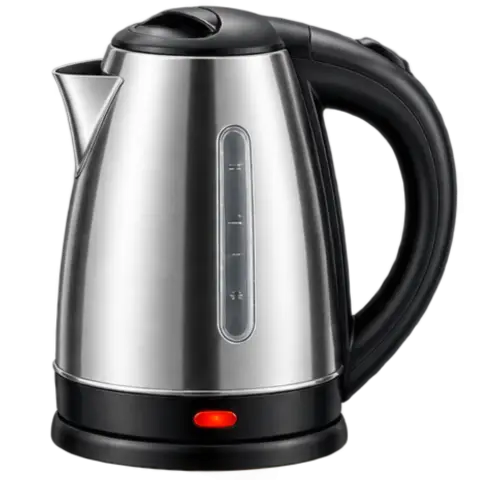 Electric Kettle
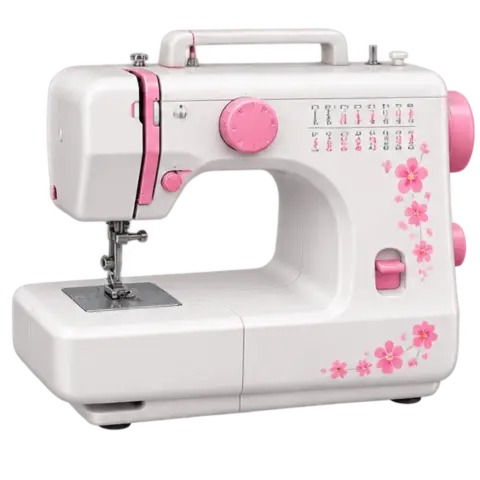 Electric Sewing Machine
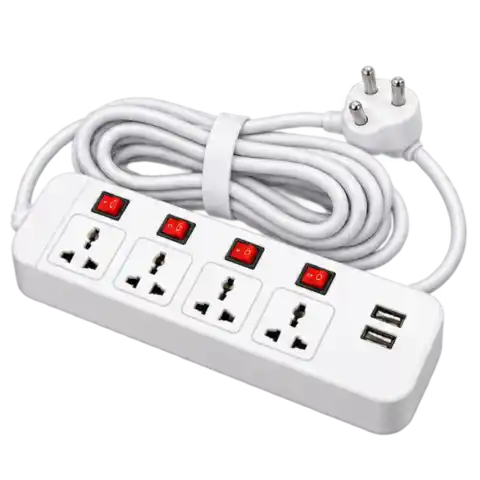 Extension Cords
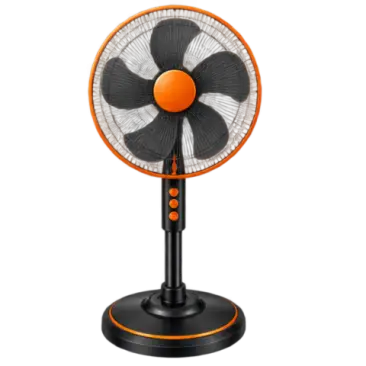 Fans
Fans
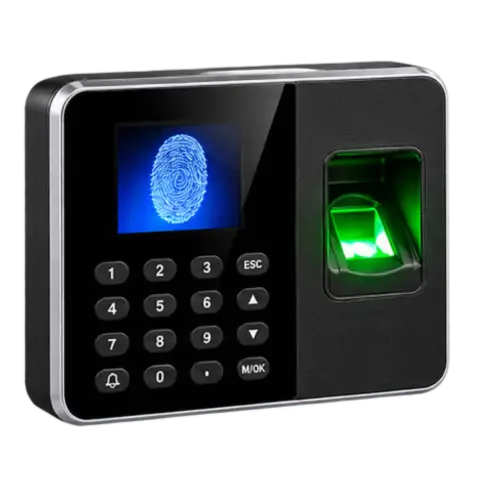 Fingerprint Scanner
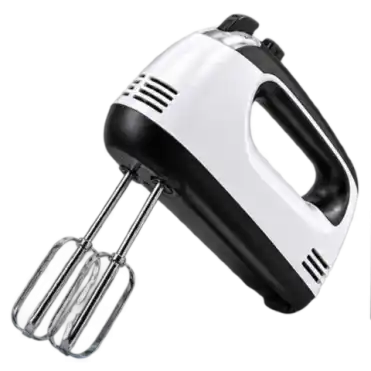 Hand Mixer
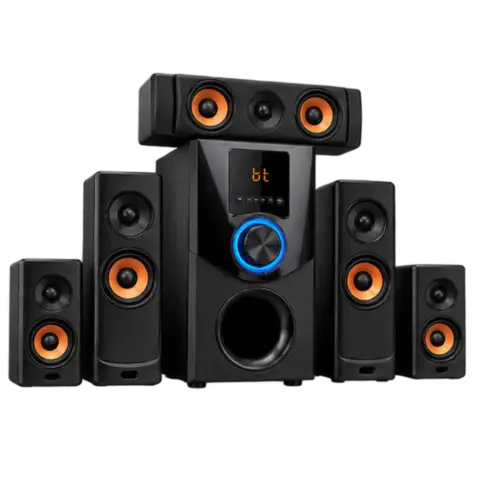 Home Theater Systems
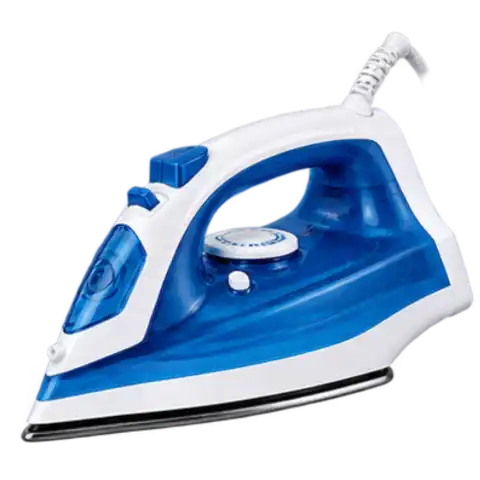 Irons
Irons
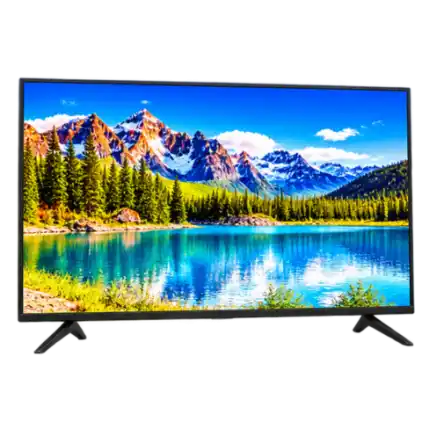 LED TV
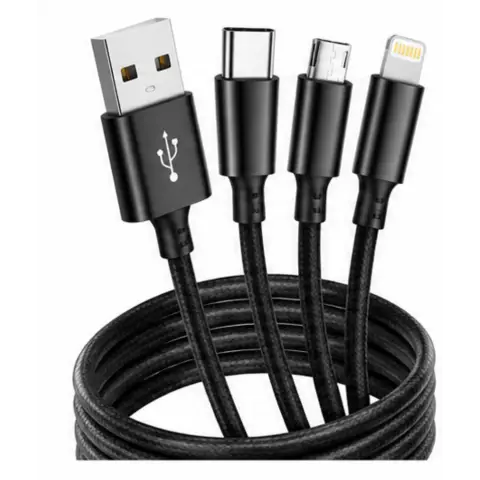
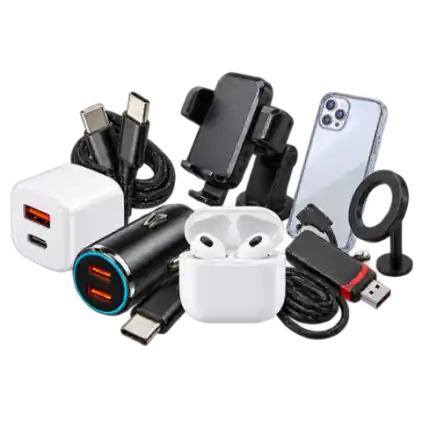 Mobile Accessories
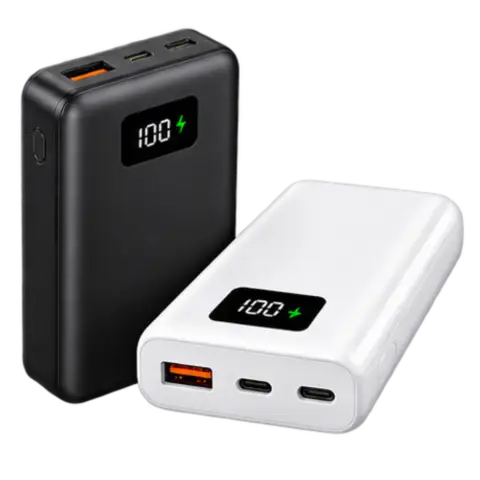 Power Banks
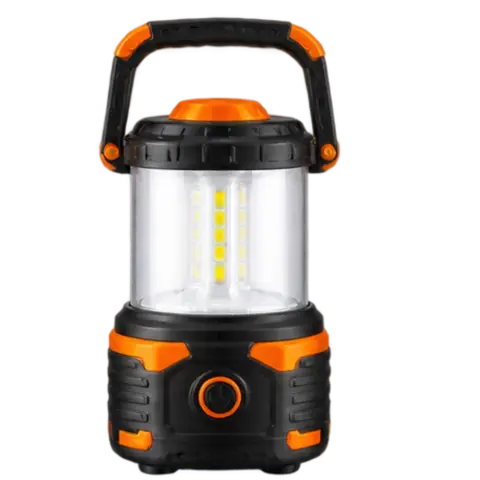 Rechargeable Camping Light
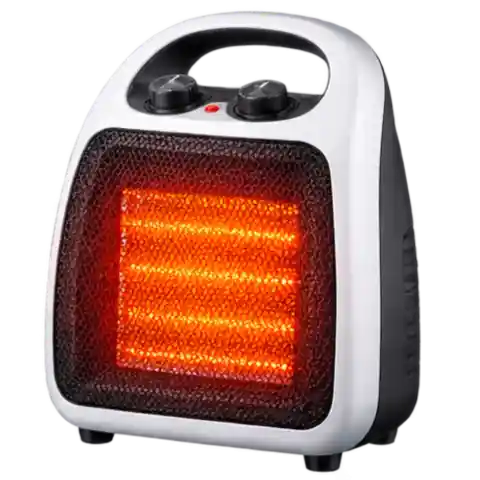 Room Heaters
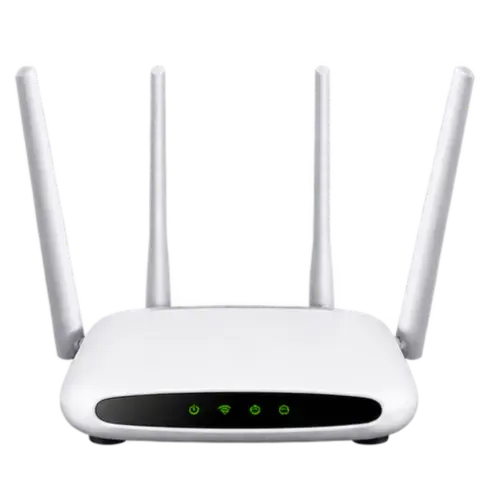 Routers & Modems
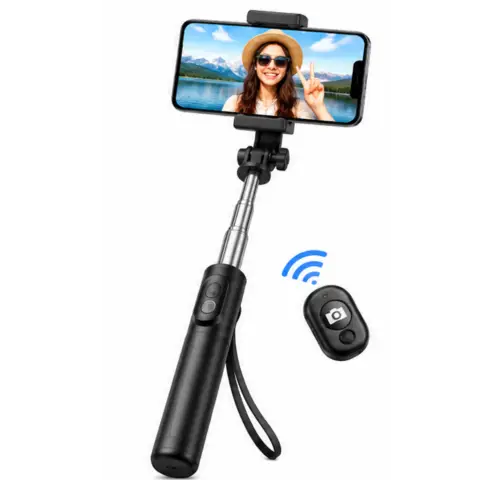
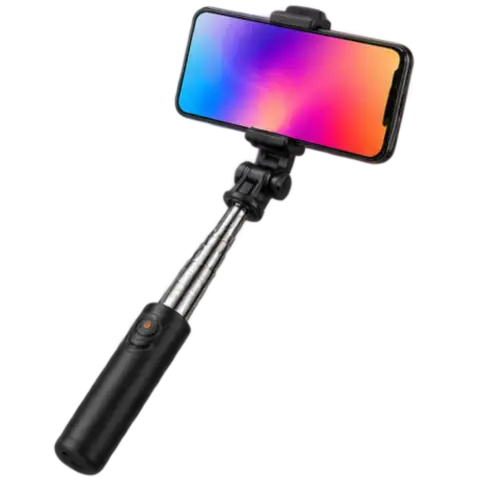 Selfie Stick
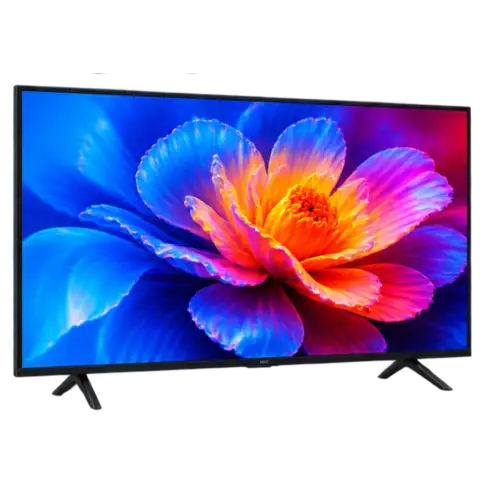 Smart TV
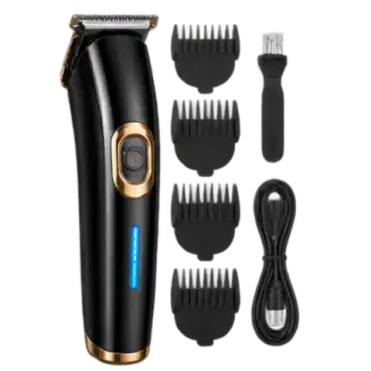 Trimmer
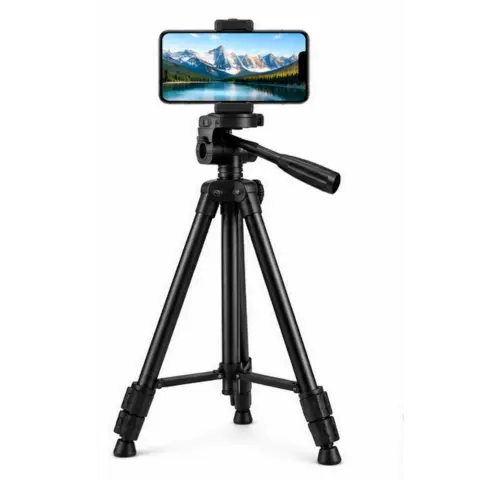
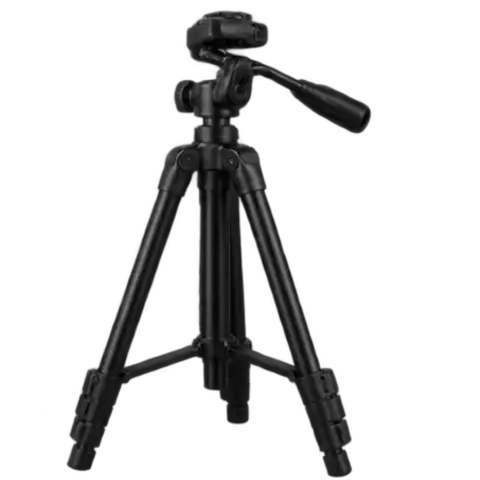 Tripod Stand
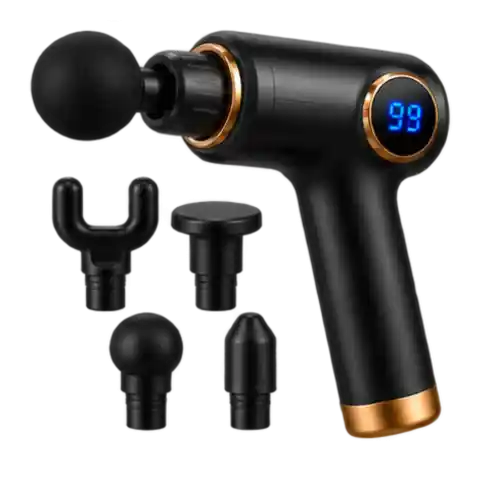 Vibration Massage
Bluetooth Speakers
CCTV Cameras
Electric Kettle
Electric Sewing Machine
Extension Cords
Fans
Fingerprint Scanner
Hand Mixer
Home Theater Systems
Irons
LED TV
Mobile Accessories
Power Banks
Rechargeable Camping Light
Room Heaters
Routers & Modems
Selfie Stick
Smart TV
Trimmer
Tripod Stand
Vibration Massage





















































Account


Install KBKART App
Home screen pe app jaisa icon lagayein — tez open, shopping + Play & Earn.
Install AppInstall dabayein — progress dikhega, phir home open hogi.
Android (Chrome / Edge): neeche “Install App” dabayein, ya browser menu → Install app.
iPhone (Safari): Share → Add to Home Screen.
iPhone pe install
- Safari ka Share button dabayein
- Add to Home Screen choose karein
- Add press karein
Products Coming Soon
No products are listed in this category at this time. Items will be available here shortly. In the meantime, please use the search bar to find what you need — if it is available on our site, it will appear in your results.